.png)
Setting a Client Portal Logo [2]
You can add your own logo to the portal by following these steps:
- Go to Settings⚙️ > Account Settings.
- Scroll down to Client Portal Settings.
- Browse to find your required logo.
- Choose file and click Save.
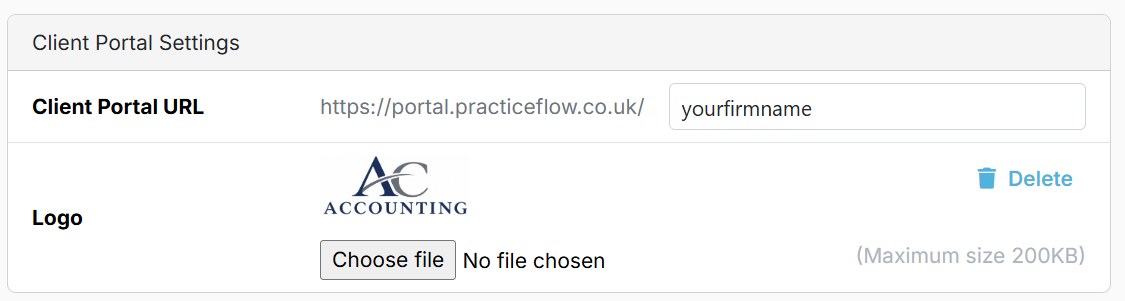
Note: File size cannot exceed 200kb.
The logo appears at the top of the Client Portal when clients are logged in.
This only needs to be done once.
Next step: Preconditions for Using the Portal [3].