.png)
How do I add notes to a client record?
You can add internal notes to any client record:
- Open the side panel for the client.
- Enter a note in the Notes field.
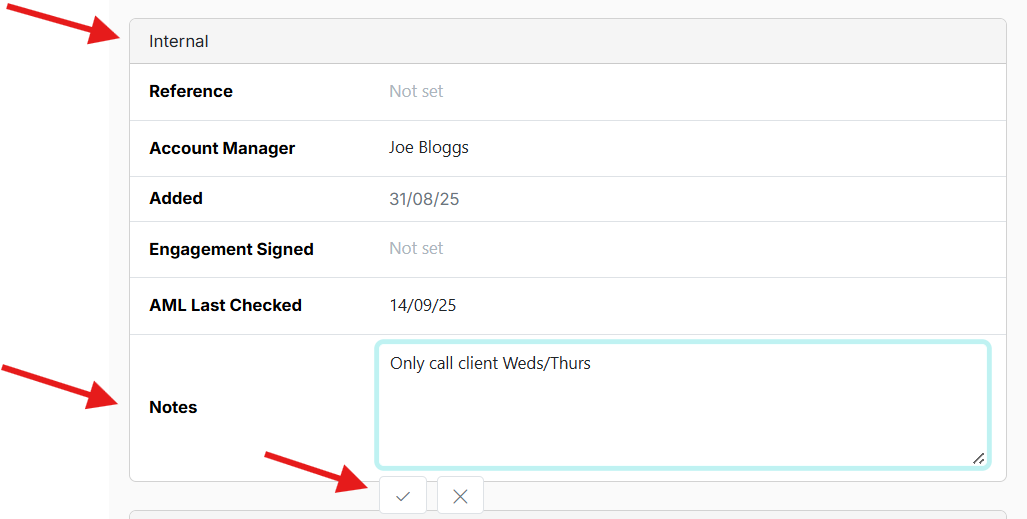
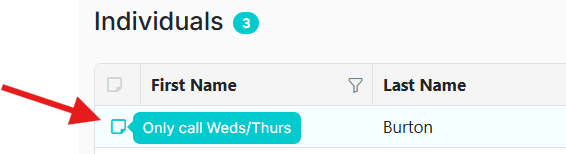
A note icon will appear in the Companies or Individuals list view.
Display Options:
- Hover over the icon to see a preview of the first line.
- Use the Column Chooser to display the full note field in the client list
This helps maintain shared context across team members, for example “client only wants calls on Tuesdays” or “sensitive fee discussion underway”.