.png)
Enabling & Disabling Smart Tasks
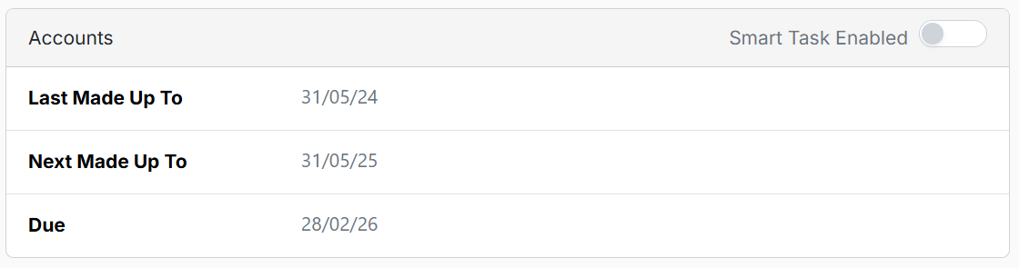
There are three Smart Tasks based on Companies House records: Accounts, Confirmation Statements and Tax Returns. This applies primarily to Limited Companies and LLPs.
For Tax Return Smart Tasks, the system uses available client information, including Companies House data such as year end and accounts “last made up to” (where available). The tax “last made up to” date is left blank and can be set when initially setting up the client, after which the Smart Task will operate based on that date.
For records with a Client relationship, these Smart Tasks can be enabled by default or disabled using the slider switch in organisation settings.
For example, where your client is a company registered at Companies House and you do the annual accounts but not the confirmation statement or the tax, then you would switch off these Smart Task in organisation settings to avoid generating unnecessary tasks.
For all other Smart Tasks, task creation is determined by the information provided at the client level. If the required fields are completed, tasks will be created; if not, no tasks will be generated.