.png)
Task Priorities
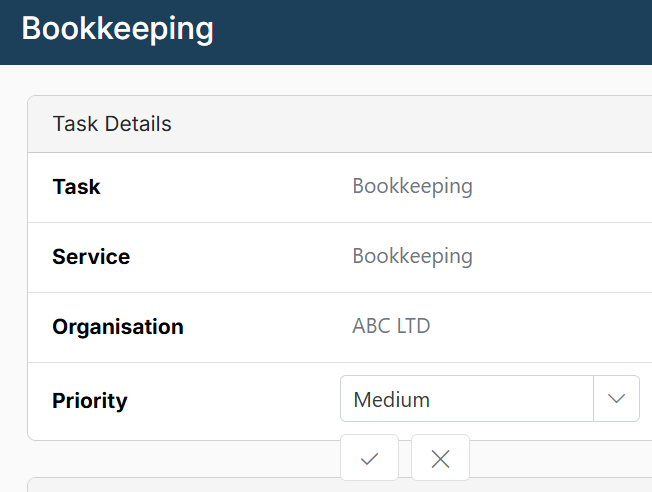
Users can assign a priority level (high, medium, or low) to individual tasks, helping teams better organise their workload and focus on what matters most. New tasks default to medium.
When creating or amending a task, you can change the task priority in the task details panel. To see task priorities in the main task list, use column chooser and click the “priority” check box.