.png)
Creating One-Off Tasks
One-off tasks are used for individual pieces of work that do not need to be generated automatically through a recurring task schedule or Smart Task.
Creating a one-off task
How you start depends on your user role.
Staff users
Staff users will see the + Add Task button at the top of the Tasks screen.
Click + Add Task to create a new one-off task.

Owner and Admin users
Owner and Admin users can switch between the Current, Recurring and Smart views.
To create a one-off task:
- Make sure Current is selected.
- Click + Add Task.
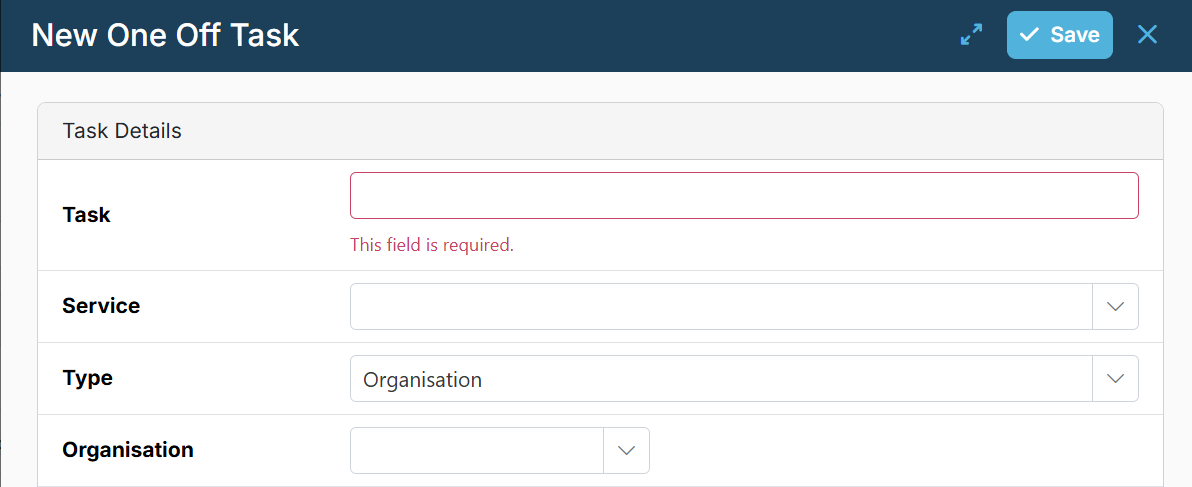
Complete the task details and click Save.
The task will then appear in the current task list.