.png)
Introduction
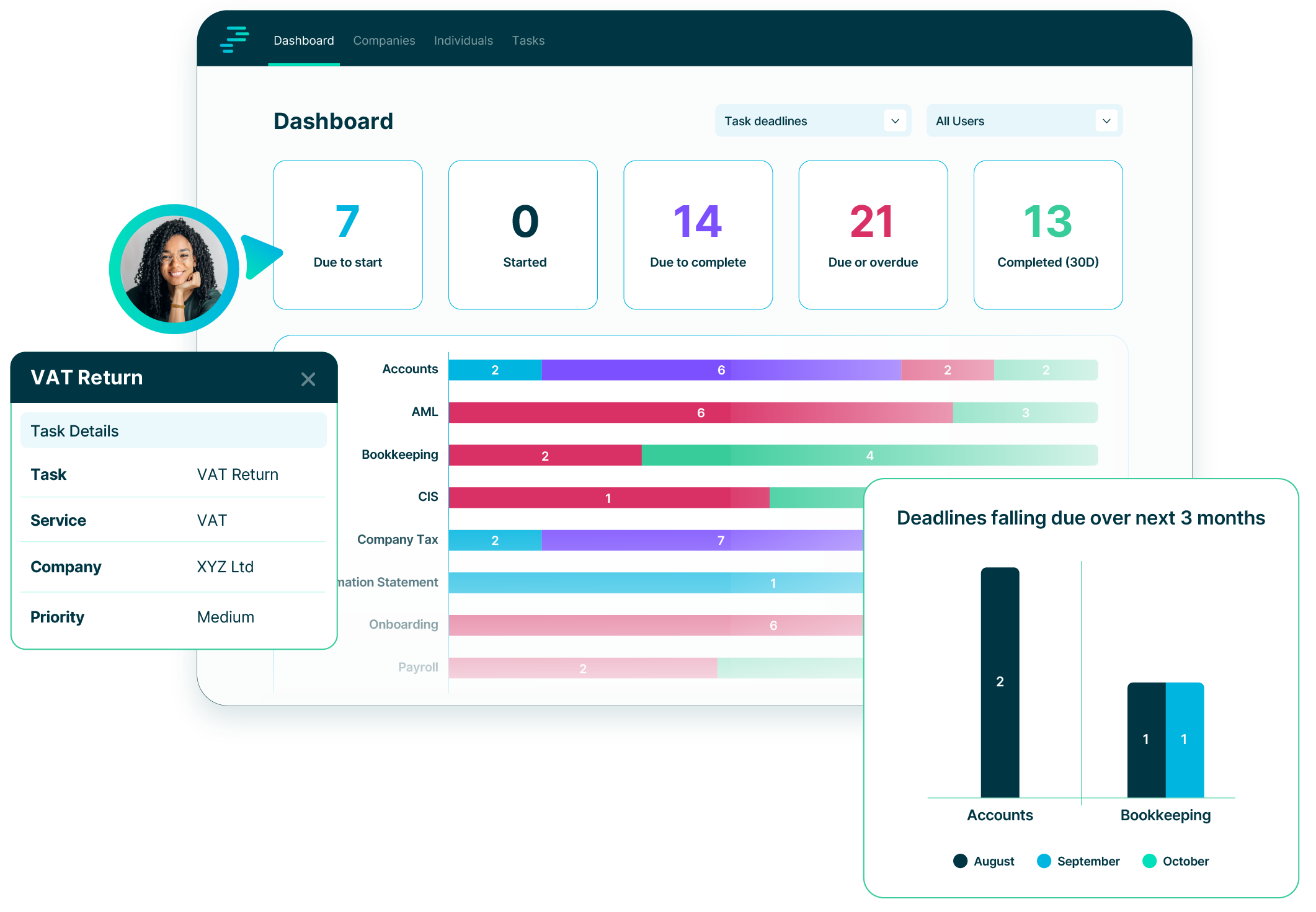
PracticeFlow is a cloud-based practice management platform designed for accountants and bookkeepers. It focuses on helping you manage tasks, deadlines, clients (organisations and individuals), prospects, contacts and services more effectively. It enables you to stay in control of recurring client work and team responsibilities, replacing the need for spreadsheets, manual calendars, or disconnected task lists.
This Help Centre provides a structured walkthrough of the core features in PracticeFlow. It is designed for day-to-day users such as accountants, bookkeepers, administrators, and support staff and includes practical instructions for setting up clients, users, services, and automated tasks.
PracticeFlow is built around a few core principles:
- Clients are recorded as organisations or individuals.
- Relationships define whether a record is a client, prospect or contact.
- Services define the work you deliver such as VAT, payroll, and accounts.
- Tasks are created automatically using Smart Tasks or manually (one-off or recurring).
- Users can be staff, administrators, or owners, each with specific permissions.
The various articles in the help centre explain how to configure these elements to suit your firm’s workflow and ensure that nothing is missed. Whether you're setting up for the first time or expanding to new services, this guide aims to help you get the most out of PracticeFlow.
If you have any questions or need help at any stage, our support team is here to assist. Just send a message from the main website using the chat button at the bottom right of all screens or email support@practiceflow.co.uk and we’ll be happy to help.